Model · Printing kiosk
Printing kiosk
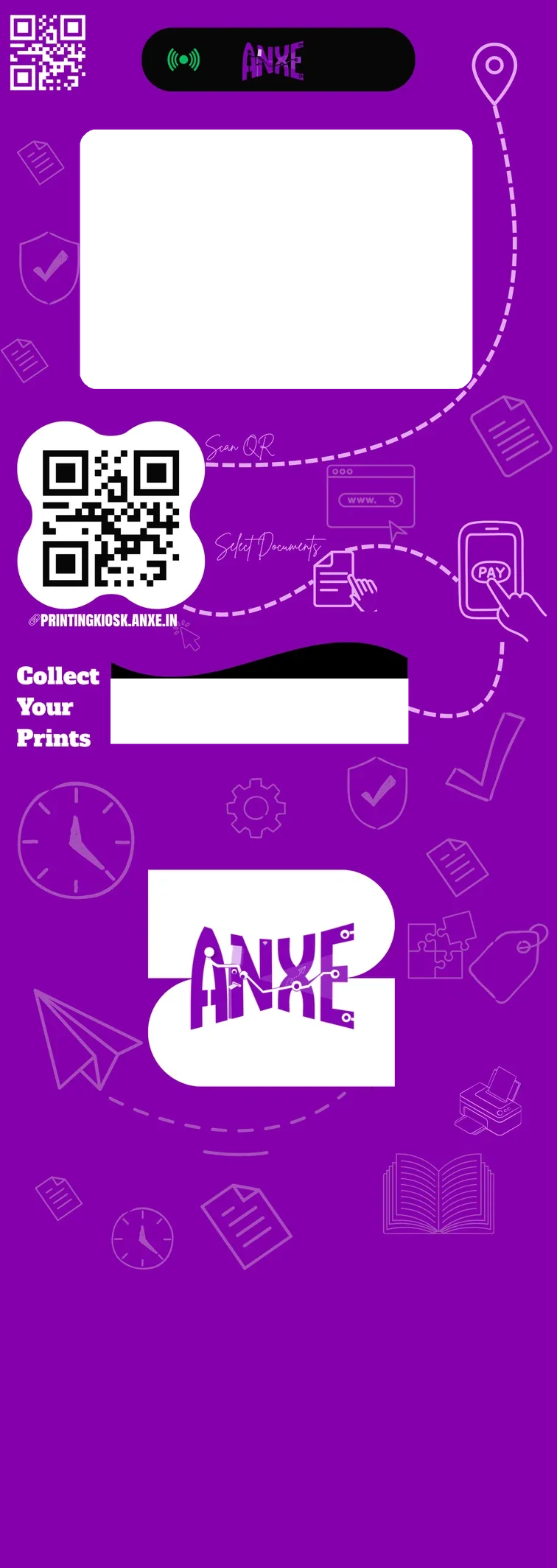
A self-service kiosk for printing documents. Customers scan a QR code, upload a file from their phone, see the price, pay by UPI and collect the print. No app to install, no staff at the counter.
₹95,000 + GST, one time · launch price, was ₹1,15,000
What is included
Kiosk unit
Cabinet, screen and printer, ready to plug in.
Install and branding
Delivery, placement and your own branding.
Software and set-up
Dashboard, QR portal and price set-up.
Launch stock
First paper and toner, so day one just works.
You set the price your customers pay. Prices and running costs.
Four steps for the customer
- 1Scanthe QR code on the kiosk. The print page opens in the phone browser.
- 2Upload and set uppick a file, choose pages, copies and sides. The price updates as you go.
- 3PayUPI or card, through Razorpay.
- 4Collectthe kiosk screen shows the job, then the print is in the tray.
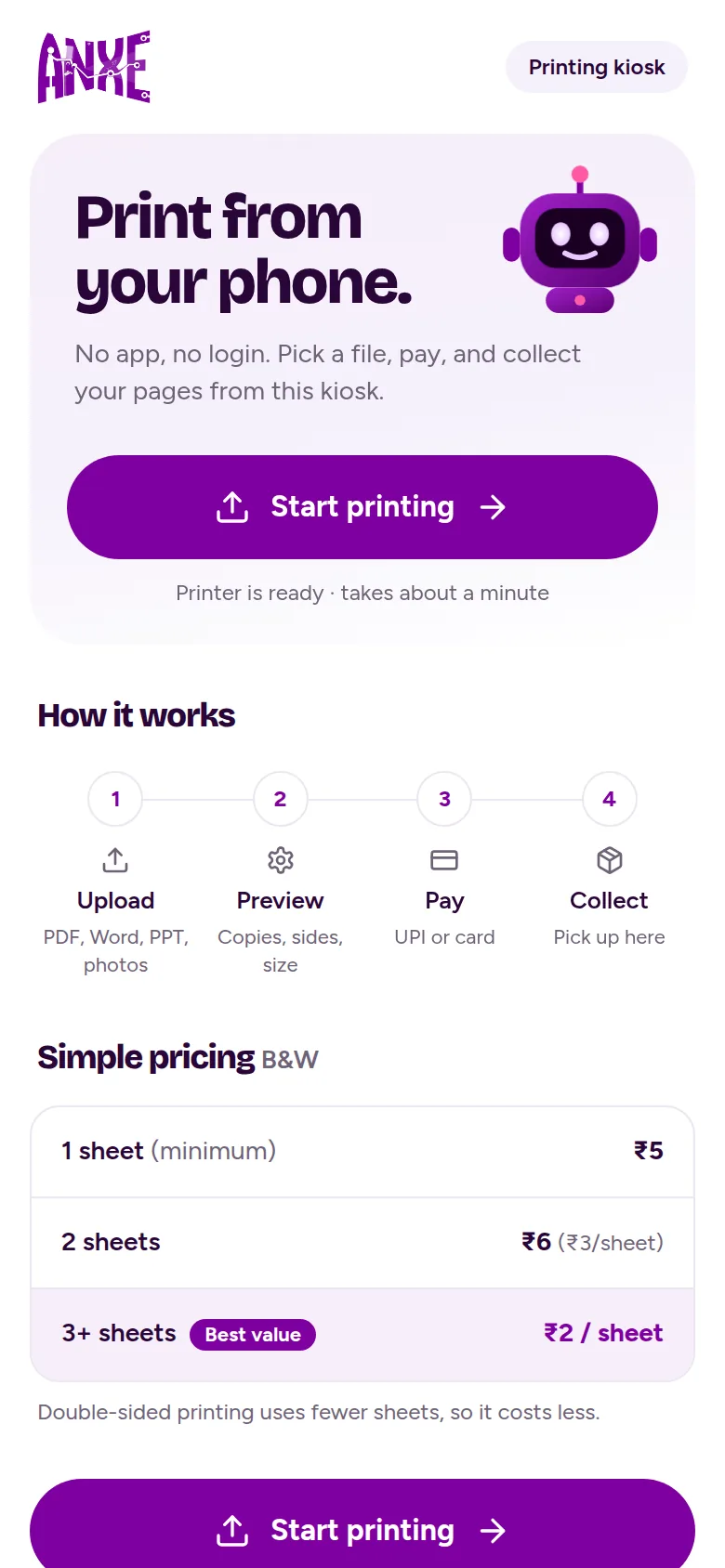
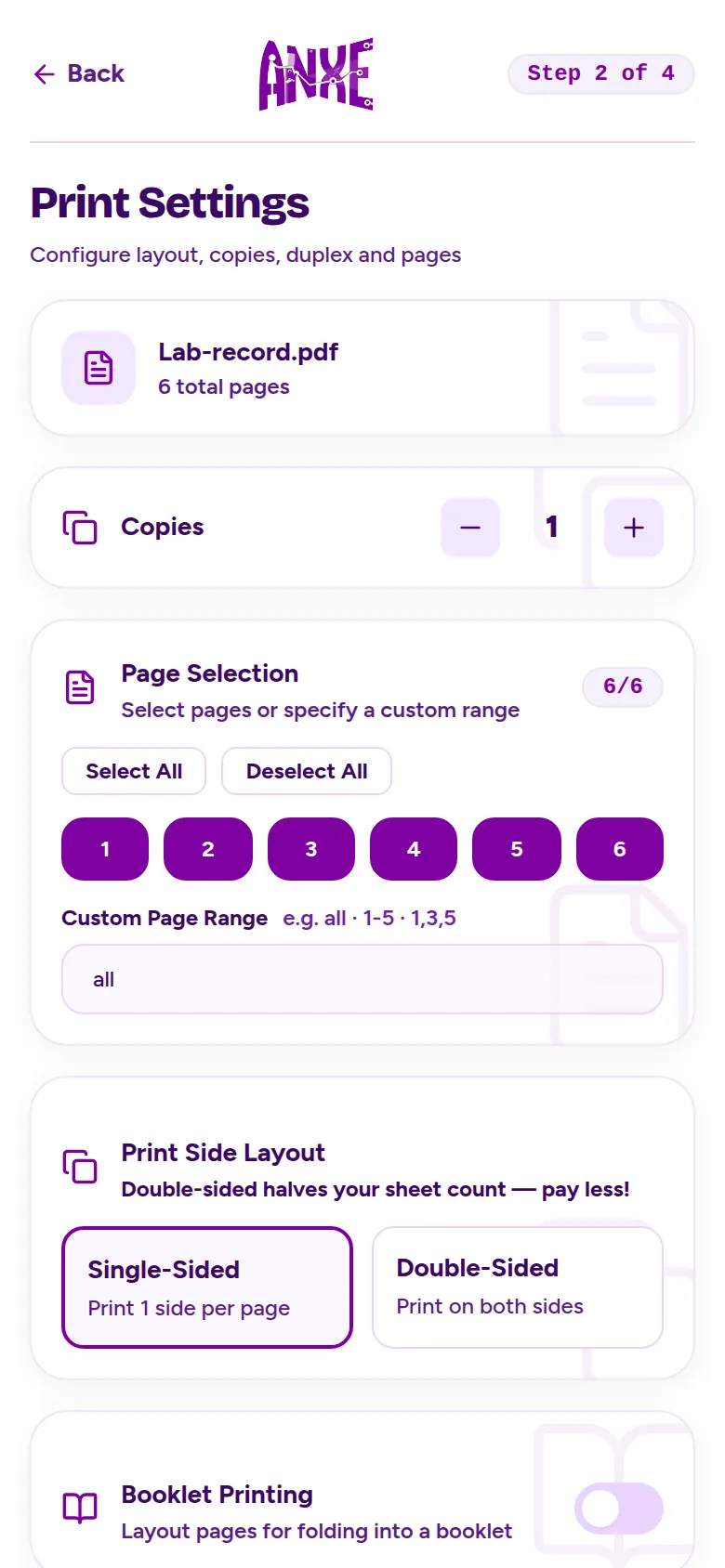
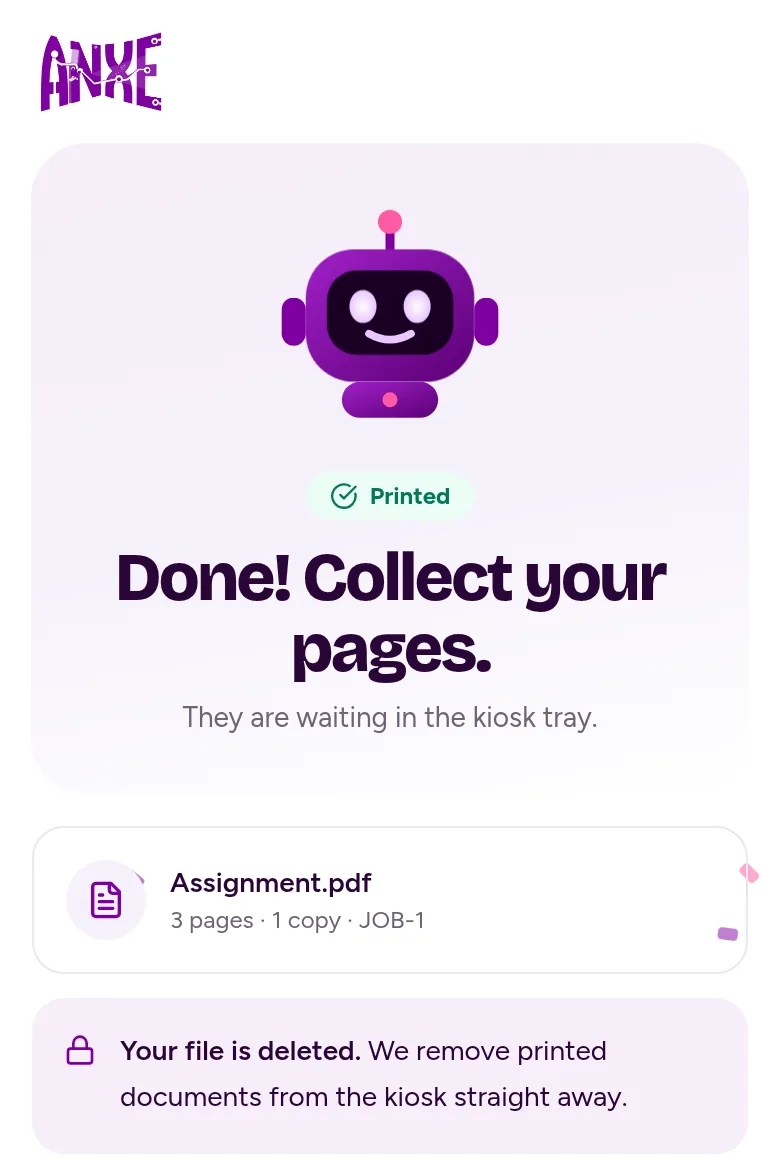
Prices on the screens are examples. The owner sets the real prices.
What the owner gets
Your prices
Set the price per sheet yourself, in rupees, from your phone.
A live view of the business
Today's revenue, profit, jobs and pages, and whether the kiosk is online.
Alarms when something needs you
No paper, a jam, an open cover, low toner, or the kiosk going offline, straight to your phone.
Refunds and reprints
If a print goes wrong, reprint it or refund the customer from the app.
Coupons and screen ads
Run discount codes, and show your own ads on the kiosk screen.
It looks after itself
It updates when idle and goes back to the old version if an update fails. Interrupted prints continue after a power cut.
Read more about the printing kiosk
How it works
Every step, and what happens when something goes wrong.
Features
Everything it does, and its limits.
Owner app
Run the kiosk from your phone.
For colleges
Why it suits a campus, and the fest booth mode.
Event mode: a polaroid booth for a fest
On any ANXE printing kiosk, one switch in the owner app makes it a black and white polaroid booth for an event. Guests make polaroids on their own phones and pay ₹15 each by default. See polaroid options.
Want a kiosk where you are?
Tell us the place and the city. It takes a minute, and we will call you.